FLASH SALE Get 20% OFF everything using the coupon code: FLASH20 View Pricing Plans →

WordPress Tutorials

How to Hide WordPress Admin Bar

How to Hide WordPress Admin Bar (4 Easy Methods)

The WordPress admin bar appears at the top of your site when you’re logged in, but not everyone needs it visible all the time. If you want to hide the WordPress admin bar for a cleaner frontend design or to restrict dashboard access for specific users, you have several options. […]
How to Delete a WordPress Site

How to Delete a WordPress Site: Complete Removal Guide

Whether you’re closing down an old project, starting fresh, or consolidating multiple sites, knowing how to delete a WordPress site properly is essential. The process varies significantly depending on your hosting setup, and skipping critical steps can leave behind remnants that affect your hosting resources or search engine visibility. This […]

WordPress Revisions

WordPress Revisions: Complete Guide to Managing Your Content History

You’ve spent hours perfecting a blog post, hit “Update,” and realize you accidentally deleted three paragraphs. Your stomach drops. WordPress revisions give you that second chance—a built-in safety net that automatically tracks every change you make to posts and pages. Whether you need to recover deleted content, compare different versions, […]

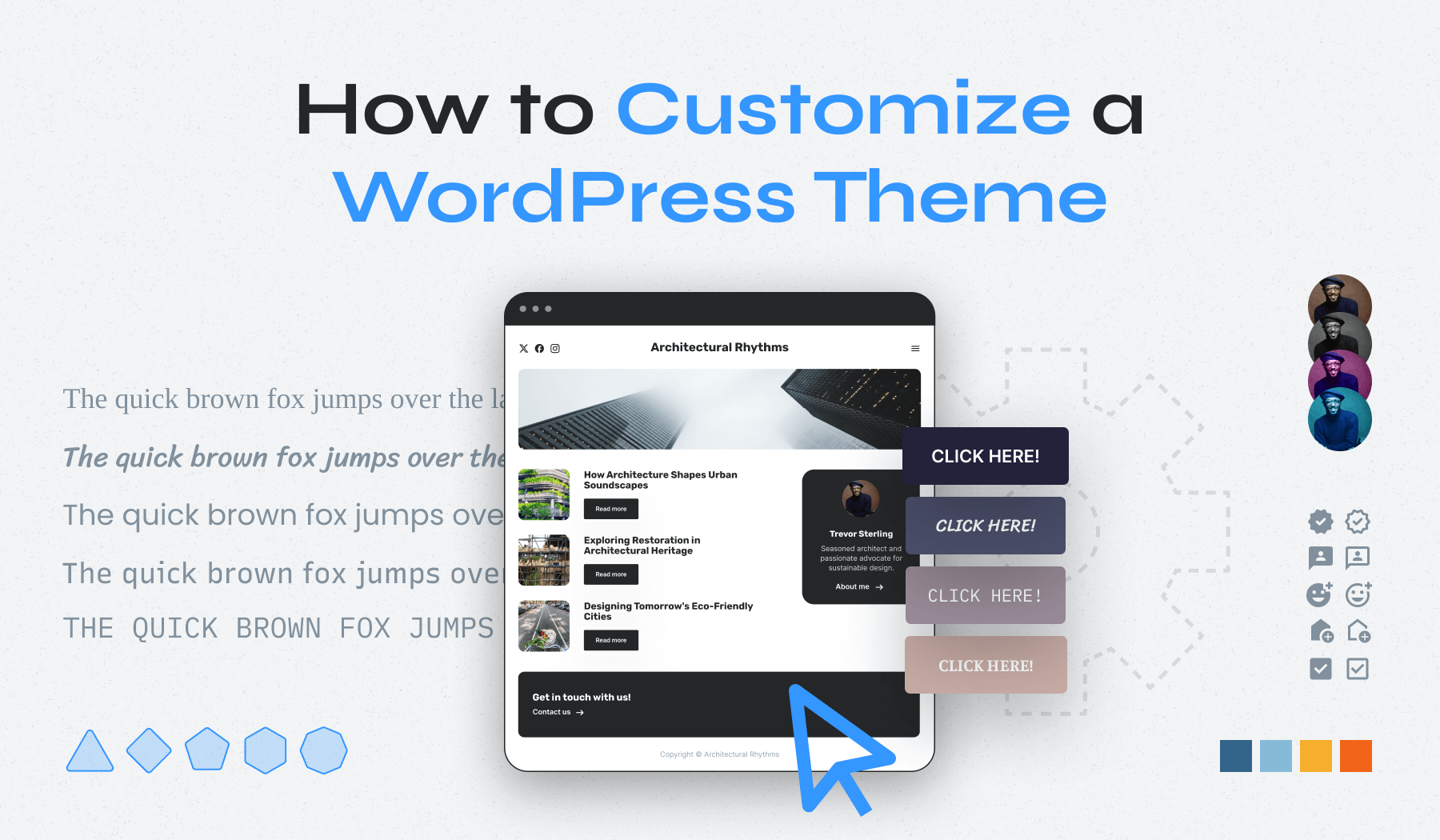
How to Customize a WordPress Theme

How to Customize a WordPress Theme Without Breaking Your Site

Your WordPress site can look professional and unique without hiring a developer. The built-in customization tools let you adjust colors, fonts, layouts, and nearly every visual element. Whether you’re using the Full Site Editor, a page builder like Elementor, or editing theme files directly, understanding your options helps you create […]

WordPress Multisite

WordPress Multisite Guide: How to Manage Multiple Sites From One Dashboard

Managing multiple WordPress websites can quickly become overwhelming. Between keeping themes updated, managing different user accounts, and ensuring consistent security across sites, administrators often find themselves juggling too many moving parts. WordPress Multisite offers a solution by letting you run multiple websites from a single WordPress installation. WordPress Multisite works […]

WordPress Shortcodes

Master WordPress Shortcodes: From Basics to Custom Creation

WordPress shortcodes are one of the platform’s most useful features, allowing you to add complex functionality to your content with simple text commands. Whether you’re embedding a contact form, displaying a gallery, or adding custom elements, shortcodes make it possible without touching a line of code.  This comprehensive guide will […]